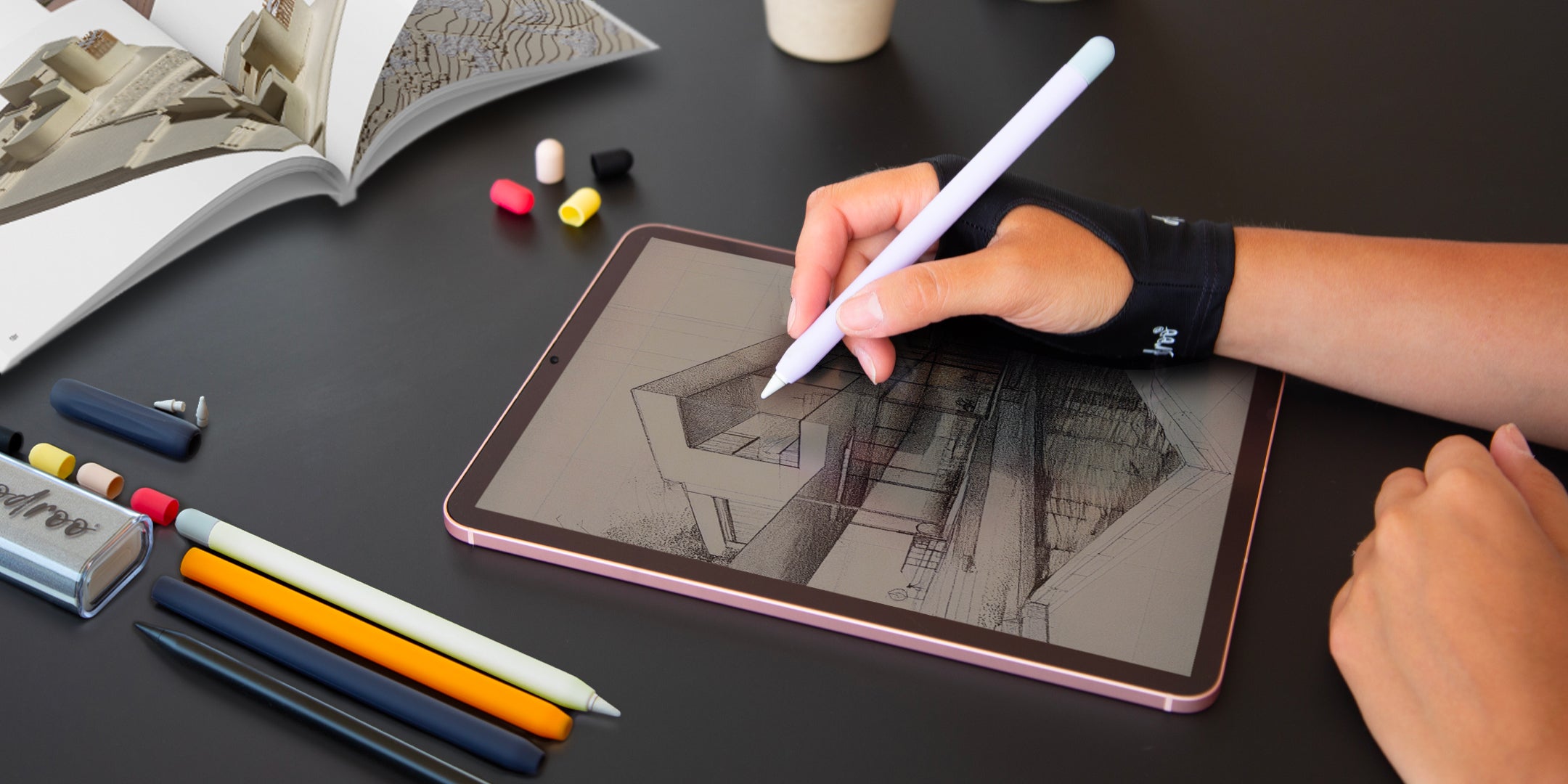

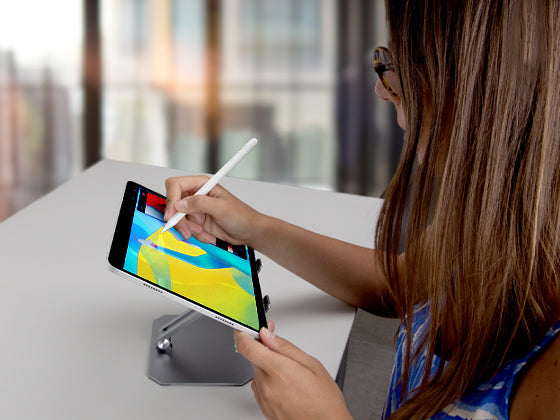

If you’re looking for a clear guide to Procreate for beginners, you’re in the right place. Opening Procreate for the first time can be exciting, but also a little overwhelming: you’ll find tons of tools, brushes, and features that seem designed for people who have been drawing for years. In reality, learning to draw on iPad with Procreate is much easier than you think, as long as you start with a gradual, pressure-free approach.
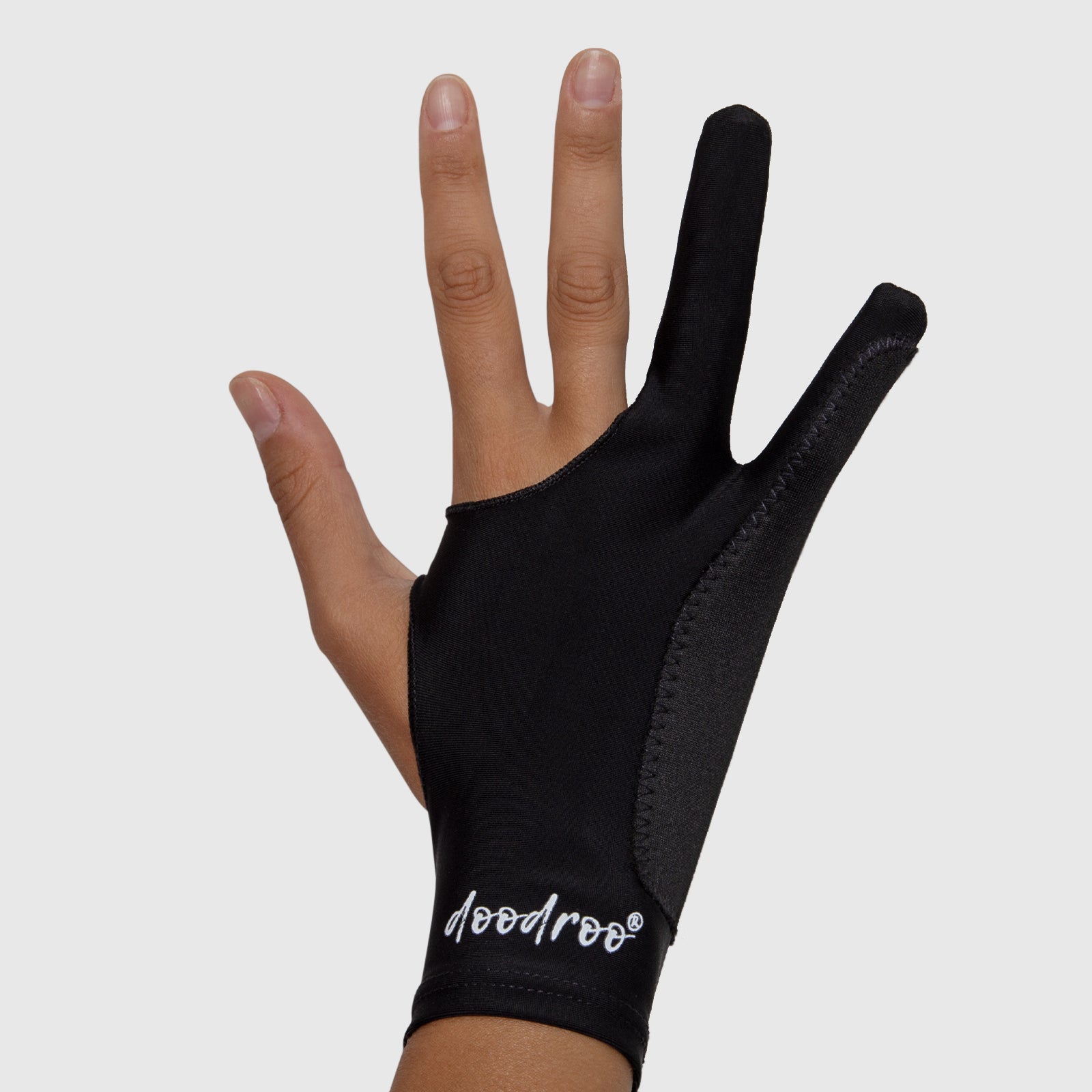
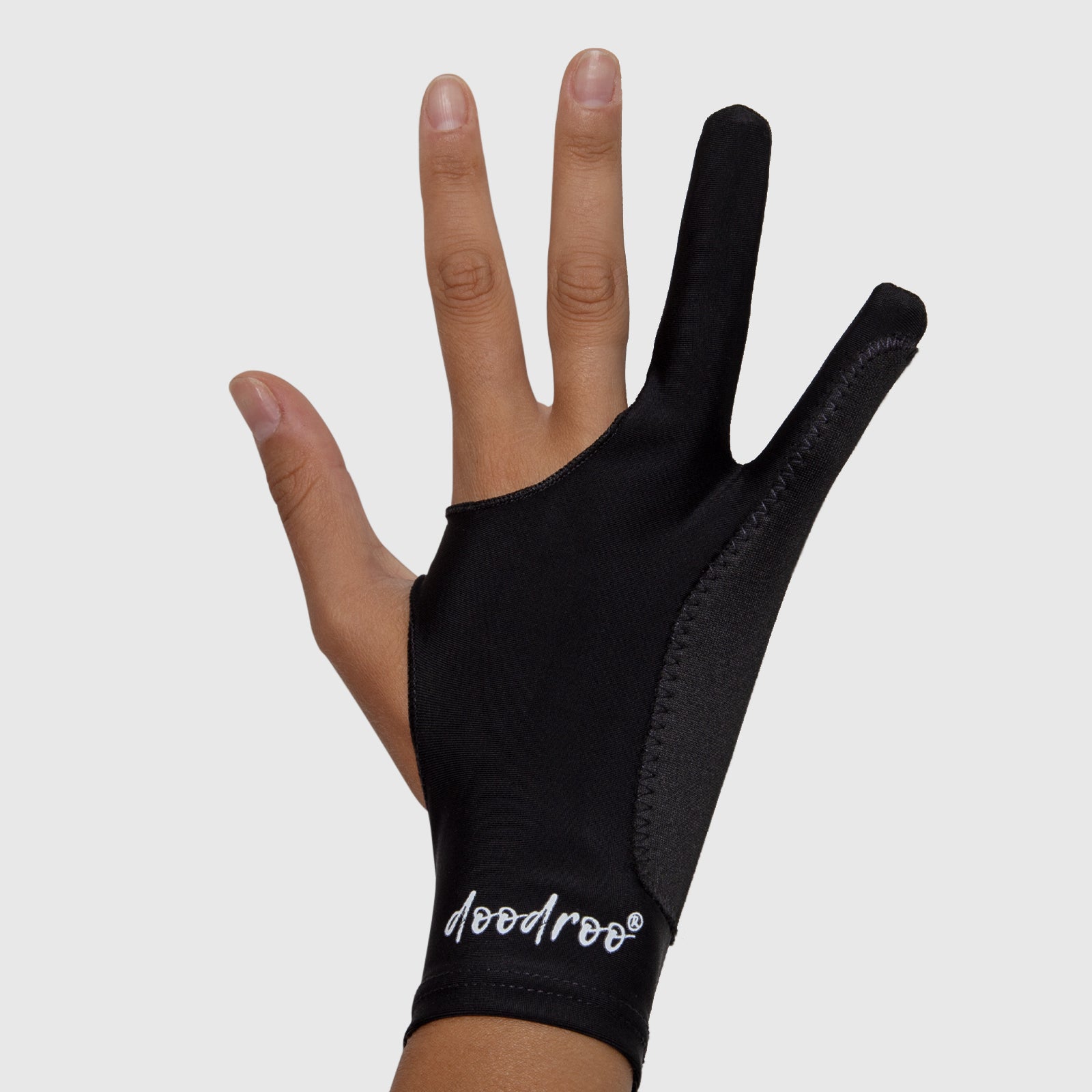
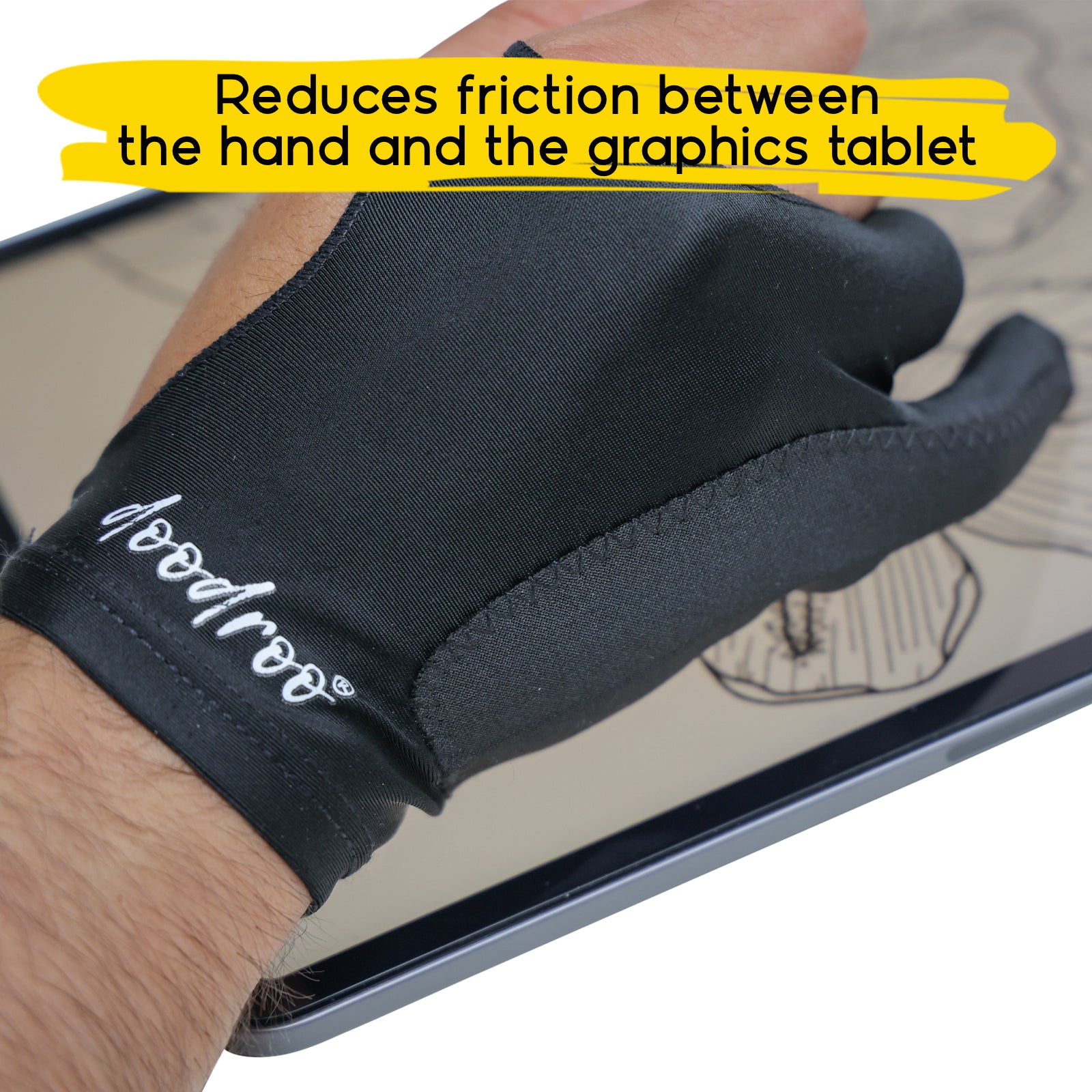
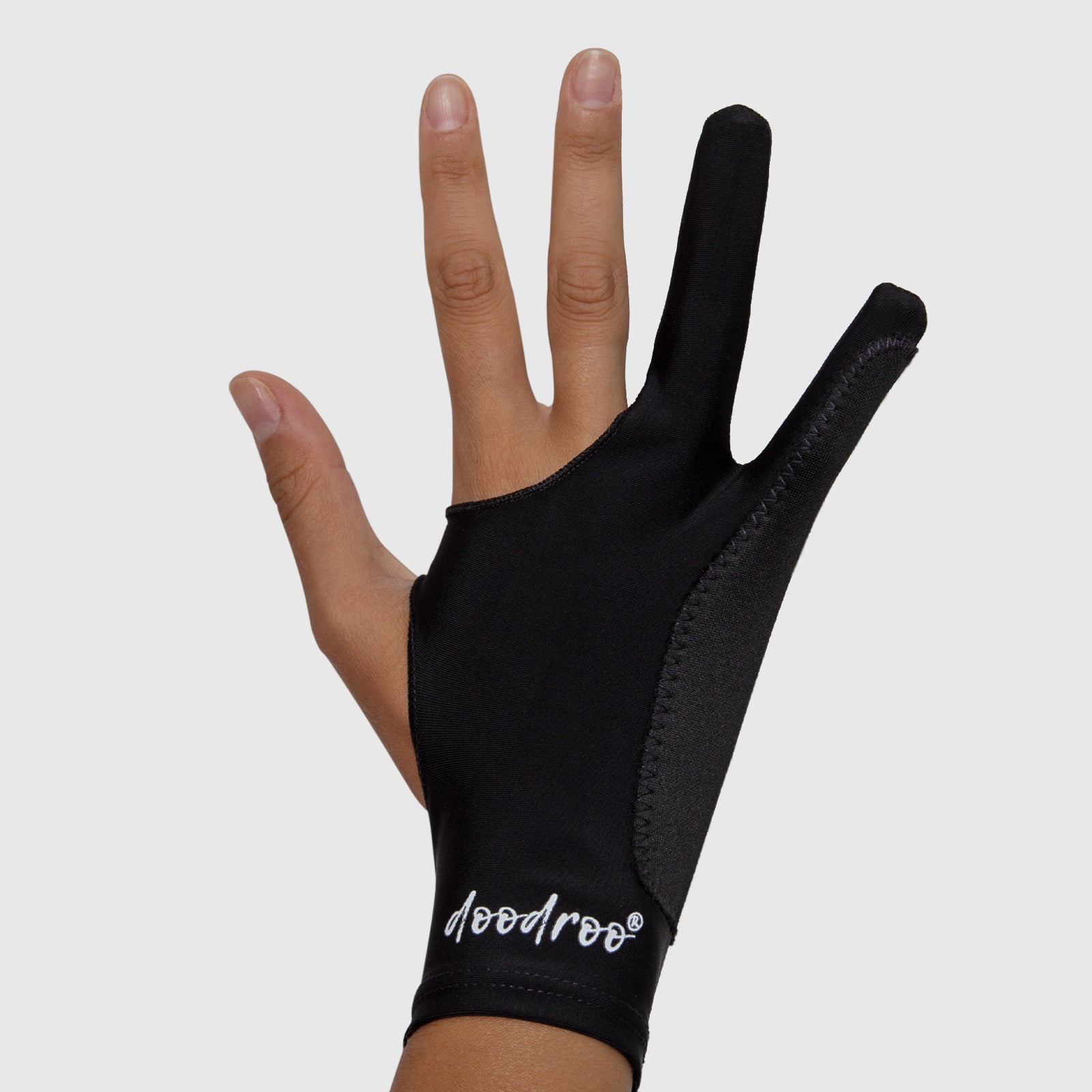
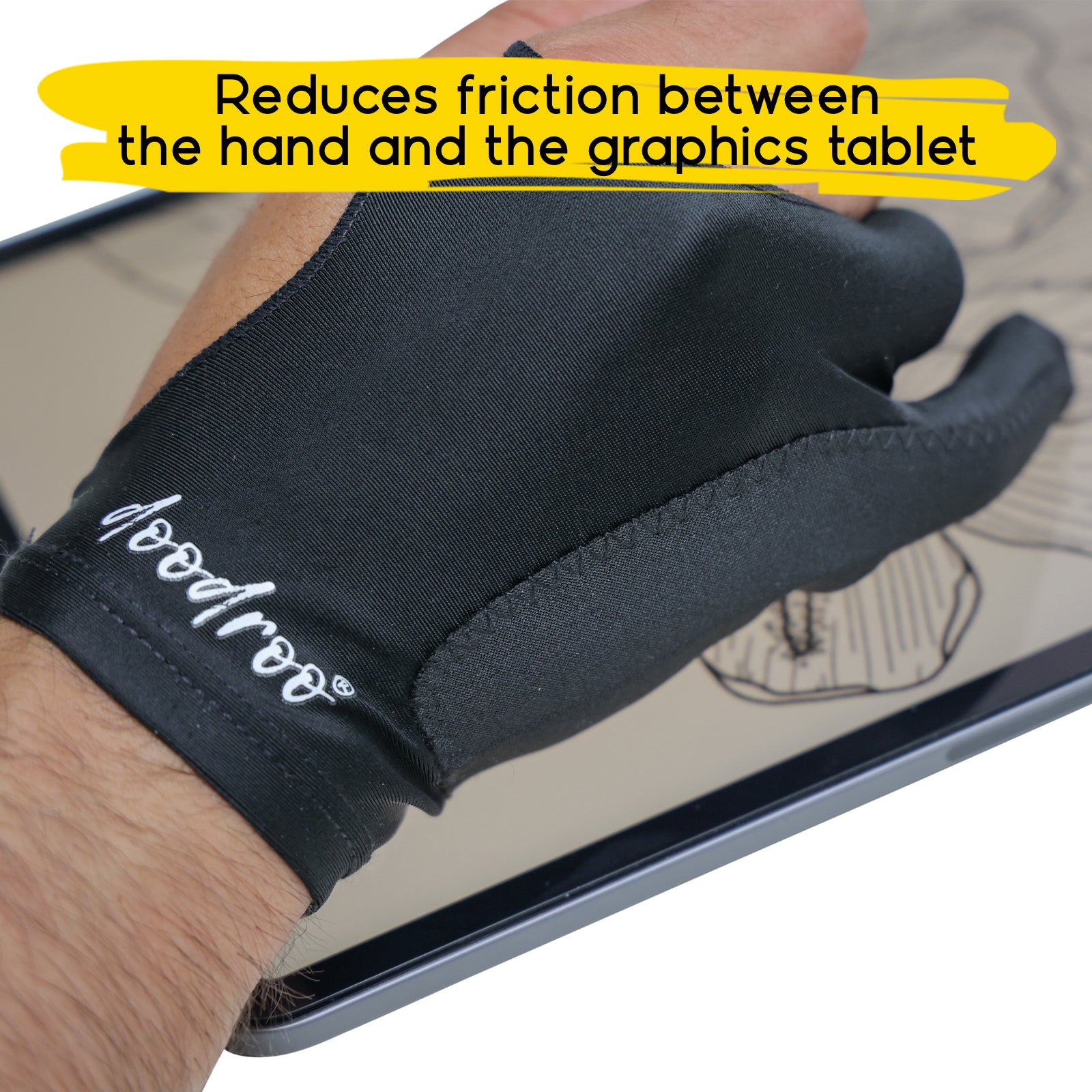
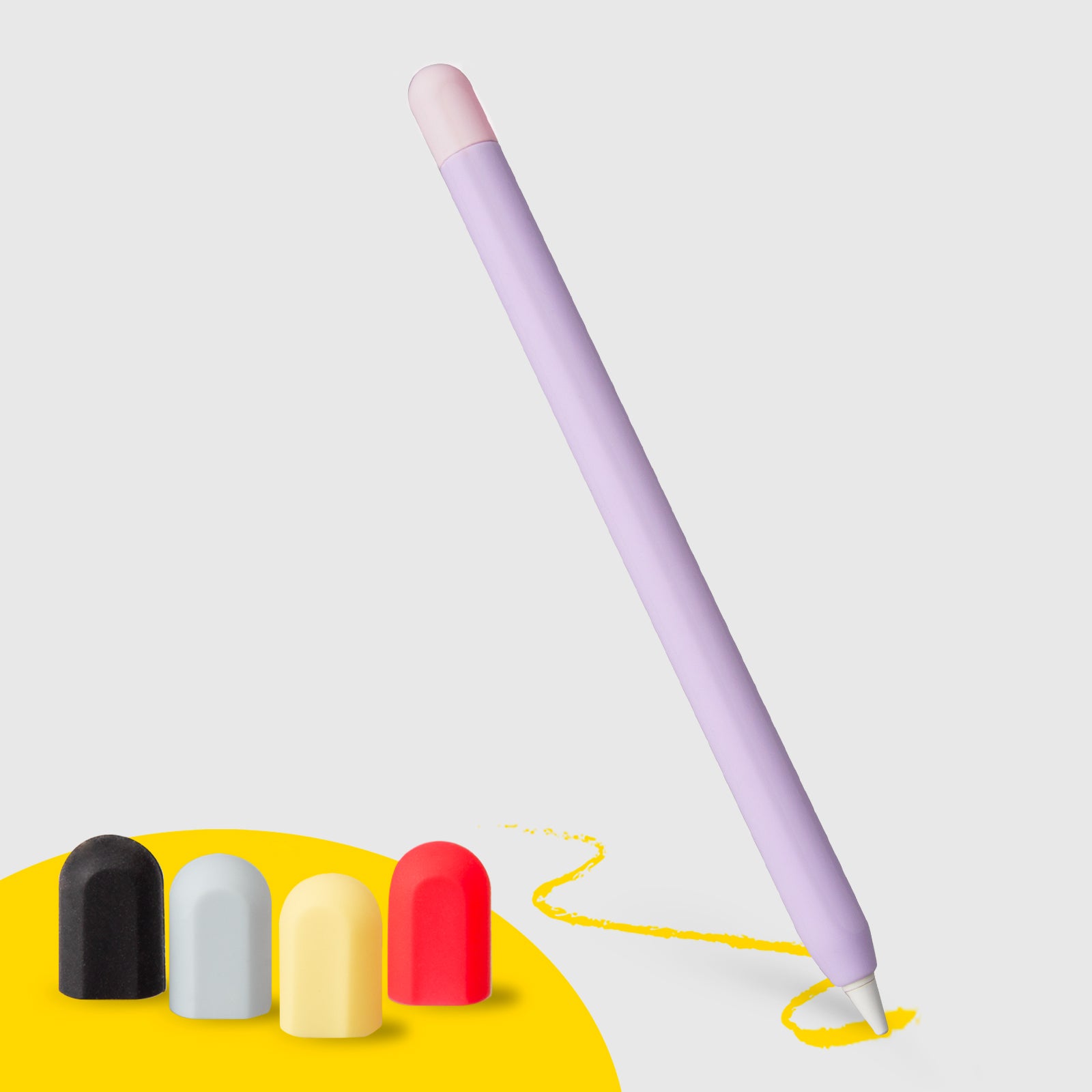
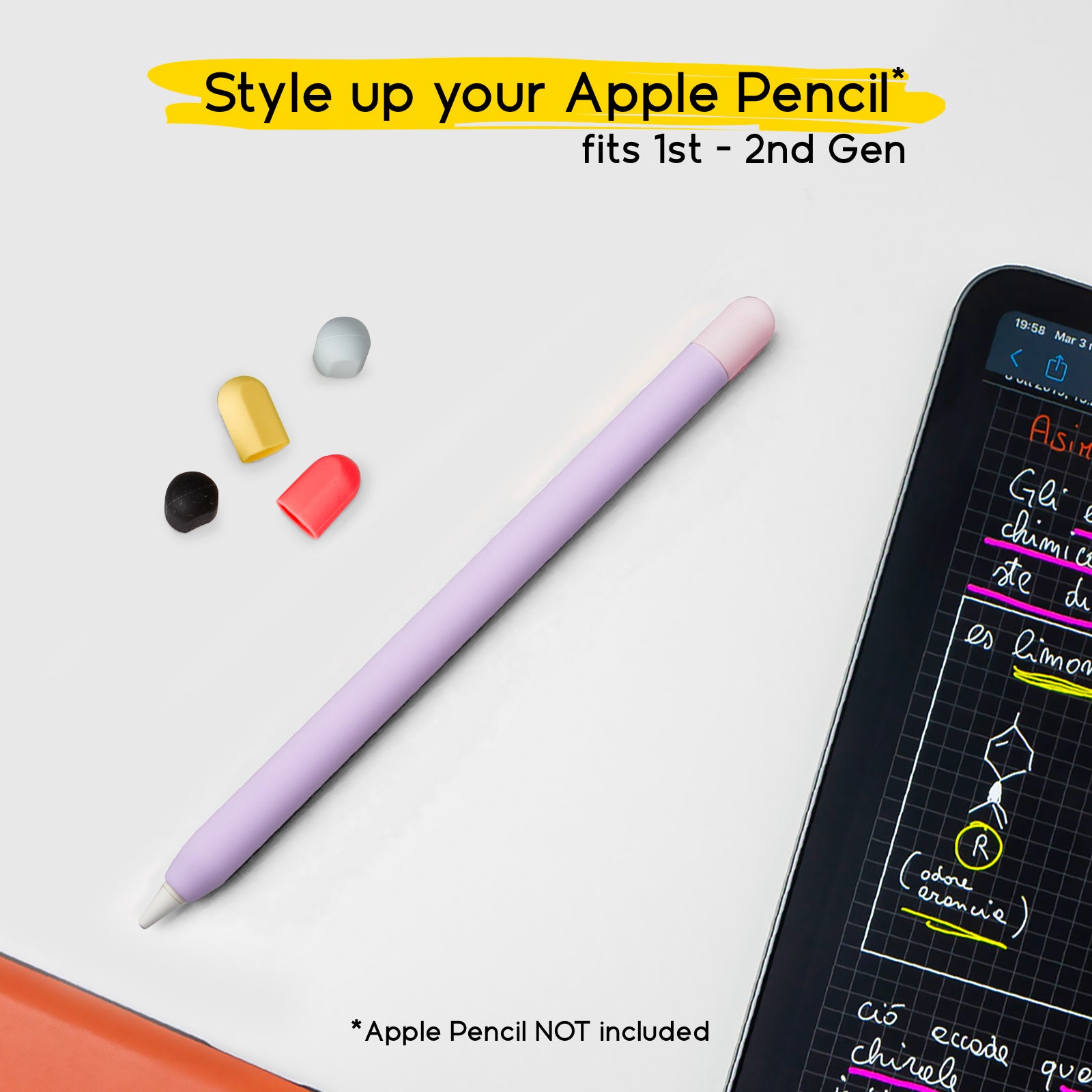
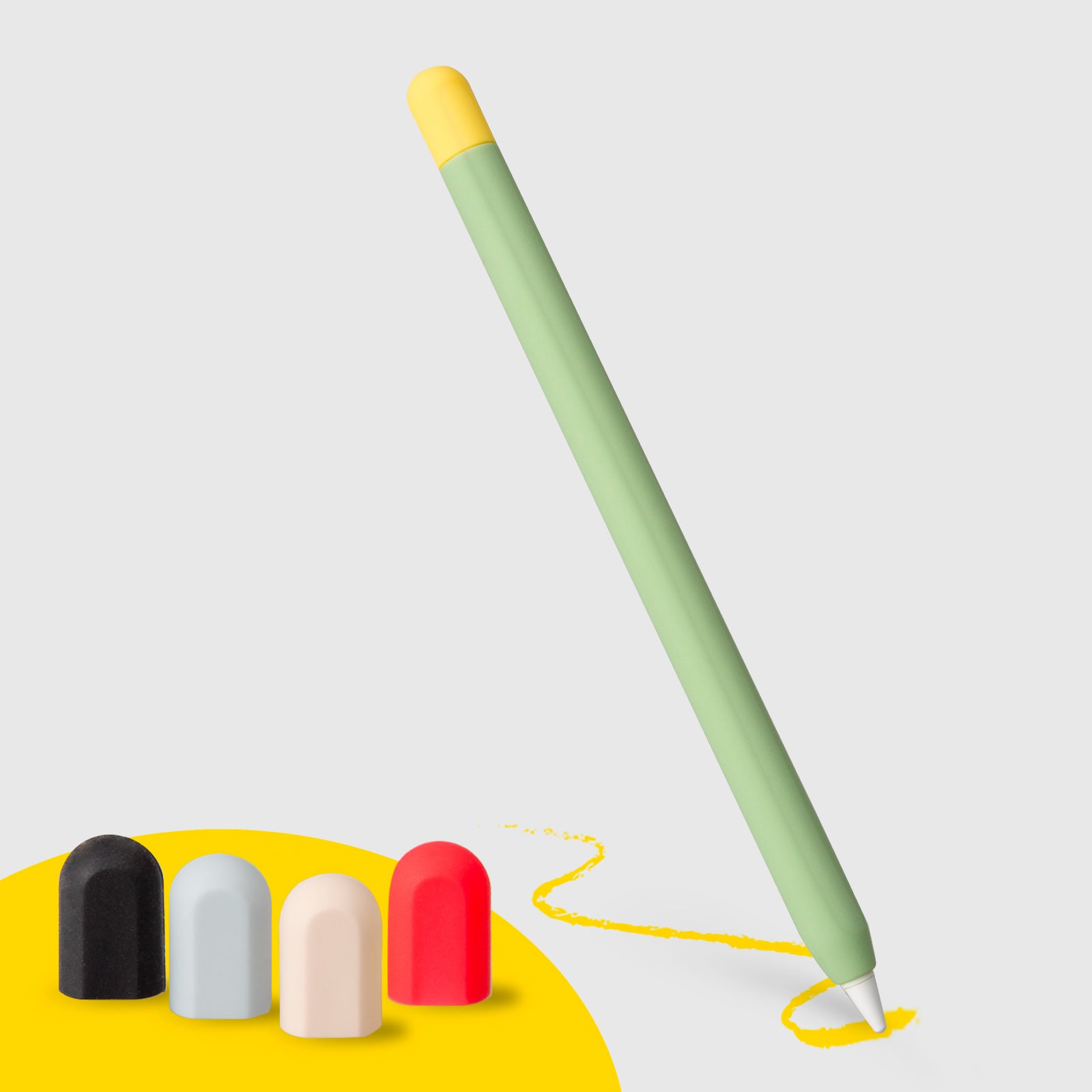
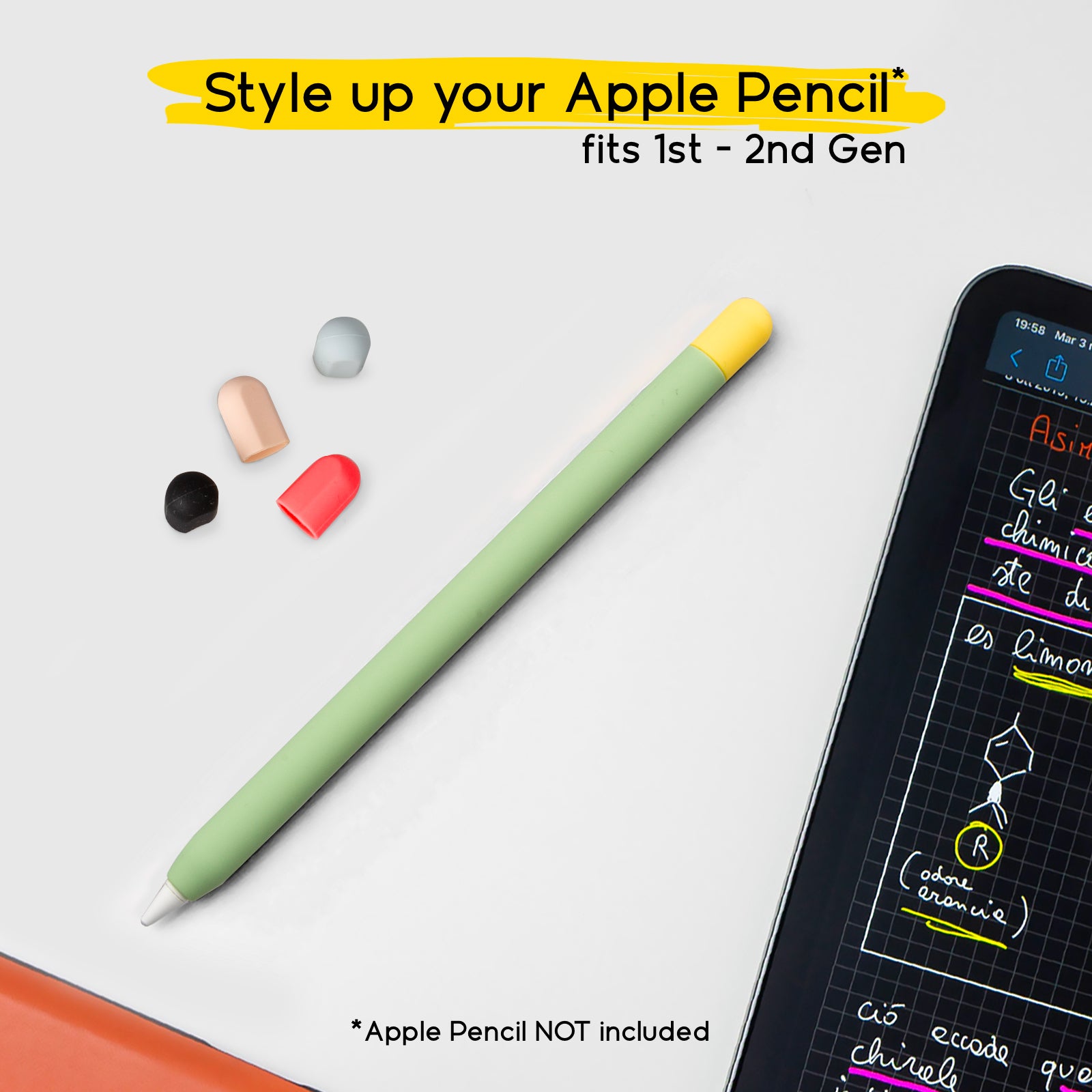
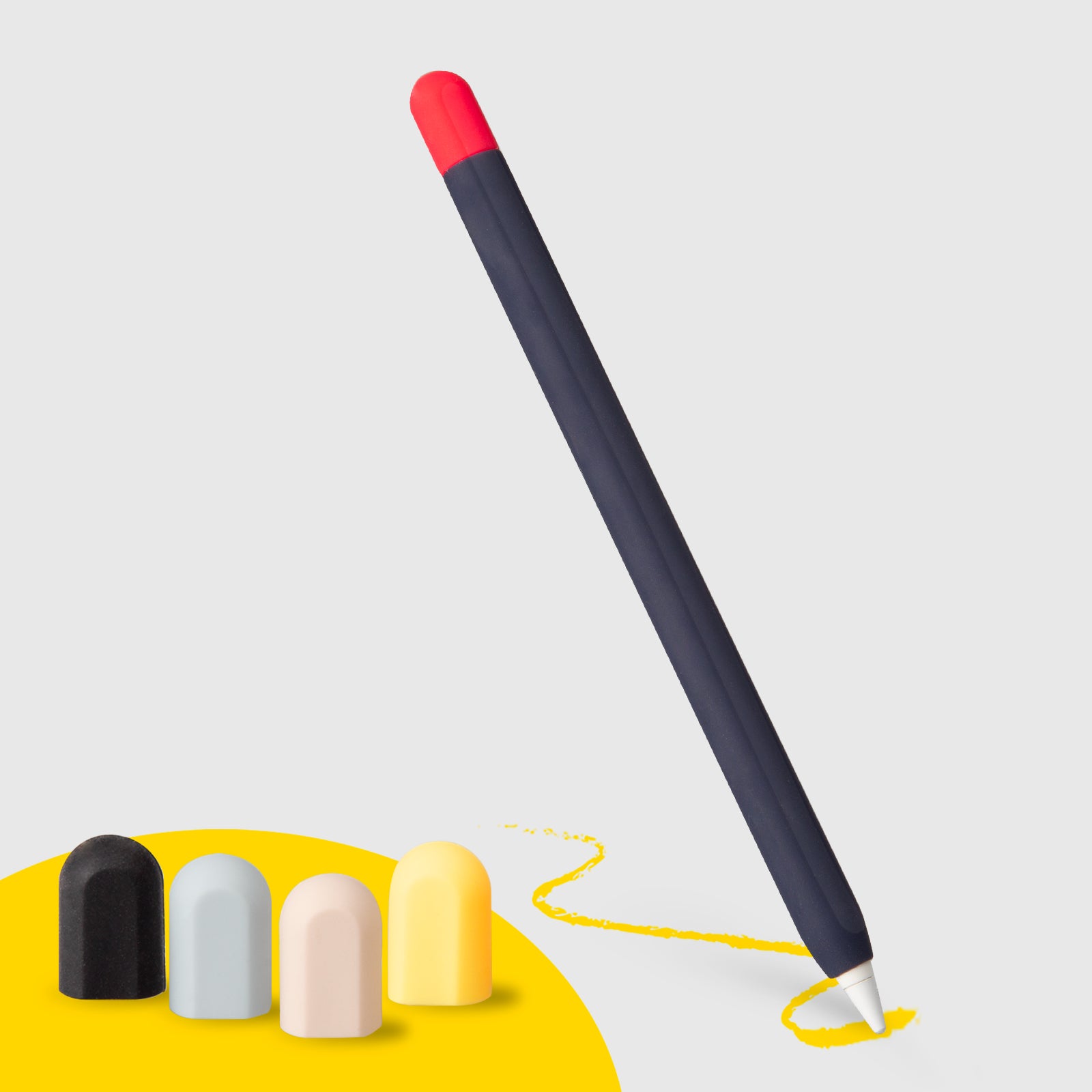
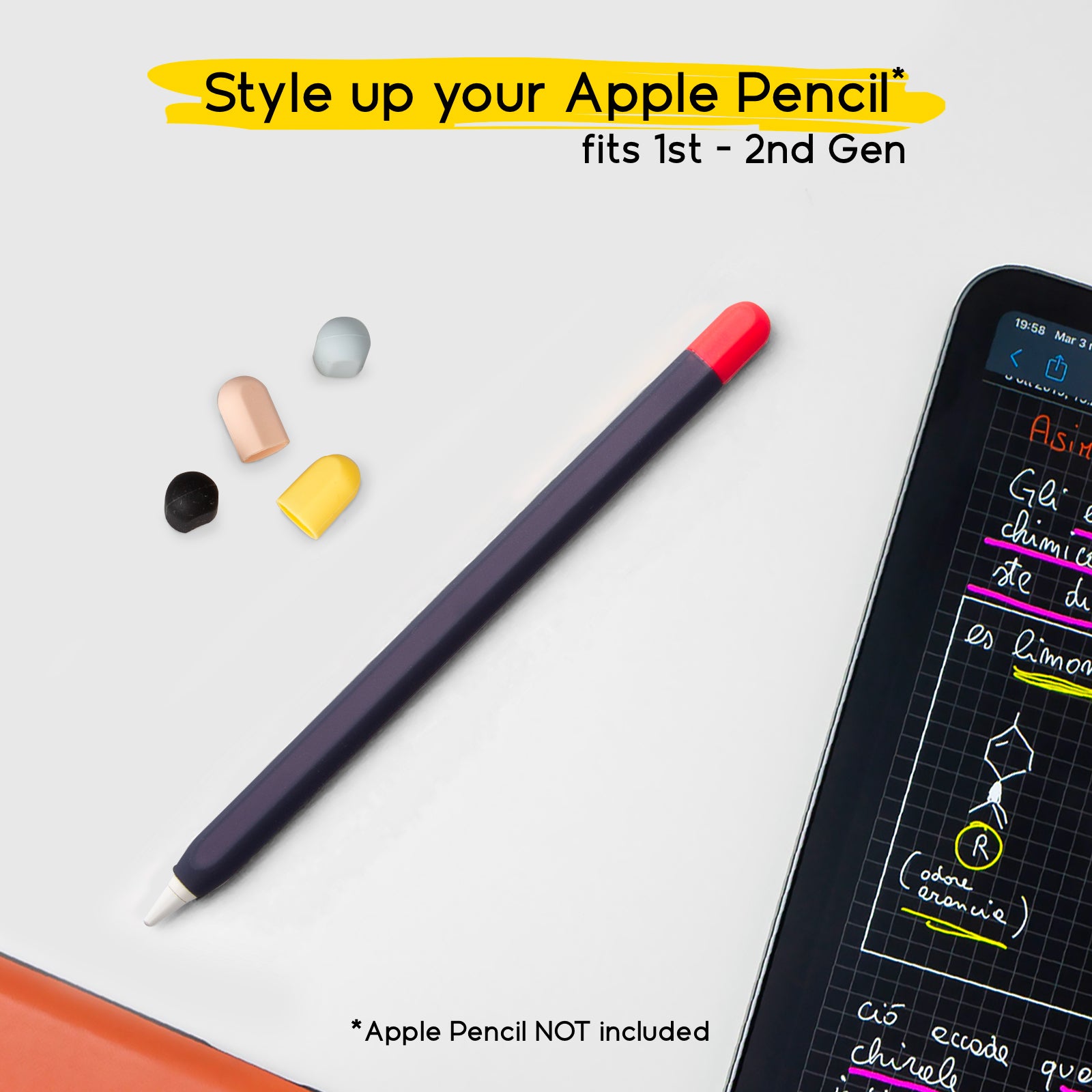
In this article, I’ll guide you step by step with practical tips to start right away, improve quickly, and feel comfortable using the app. Whether you want to learn digital illustration, create sketches, do lettering, or simply explore the world of digital drawing, these suggestions will help you get off to a great start. And if you want to make the experience even more natural and comfortable, you can also consider a few doodroo accessories designed for people who draw on iPad every day: the paper-feel screen protector, the Apple Pencil skin, and the drawing glove.
1. Start simple: fewer tools, better results
When you begin with Procreate, it’s normal to want to try every brush and every feature. But the truth is that, to really learn, it’s better to do the opposite: simplify. At first you don’t need to understand everything—you need to become fluent in your gestures. That’s why, if you want to learn Procreate from scratch, it helps to work with just a few tools and lots of practice.
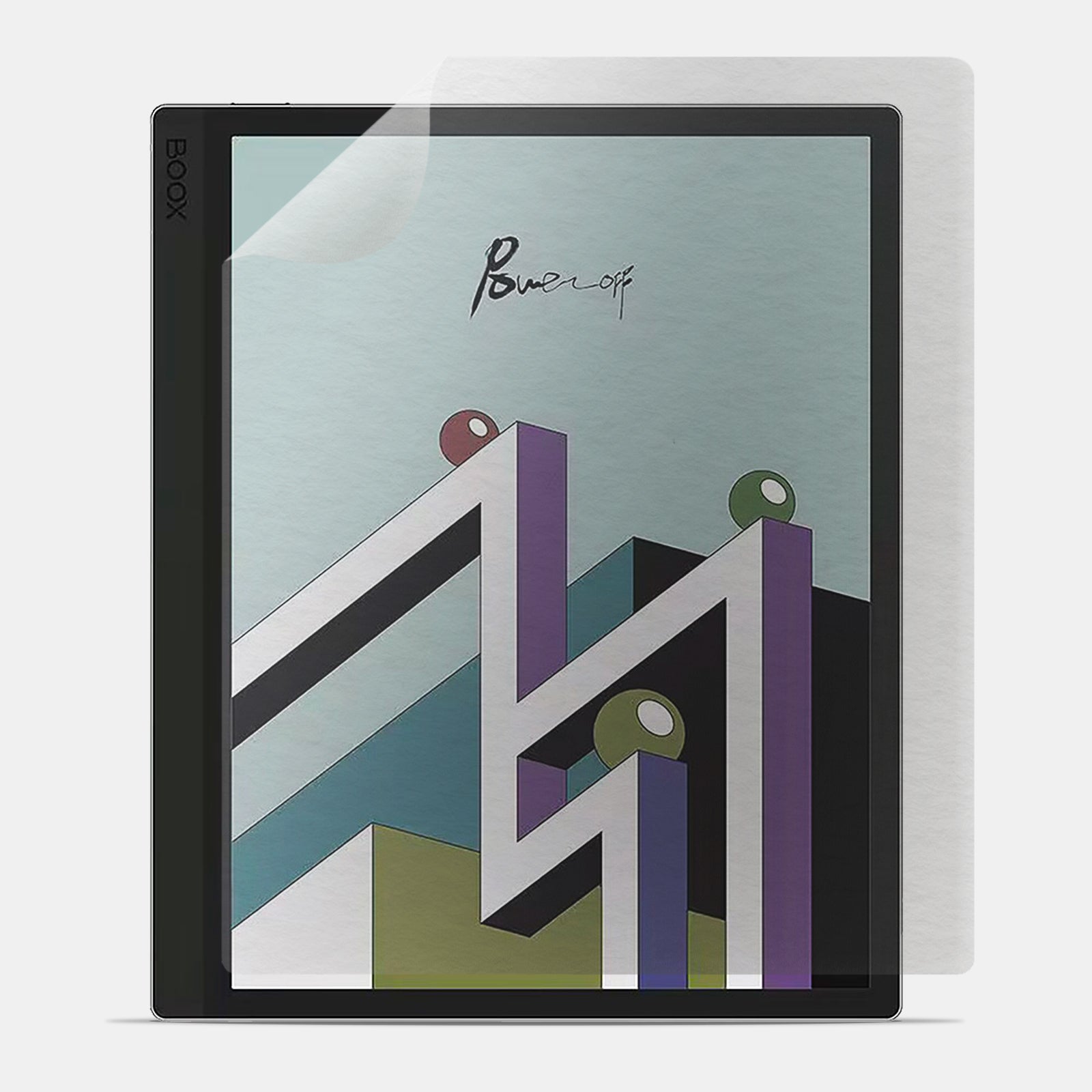
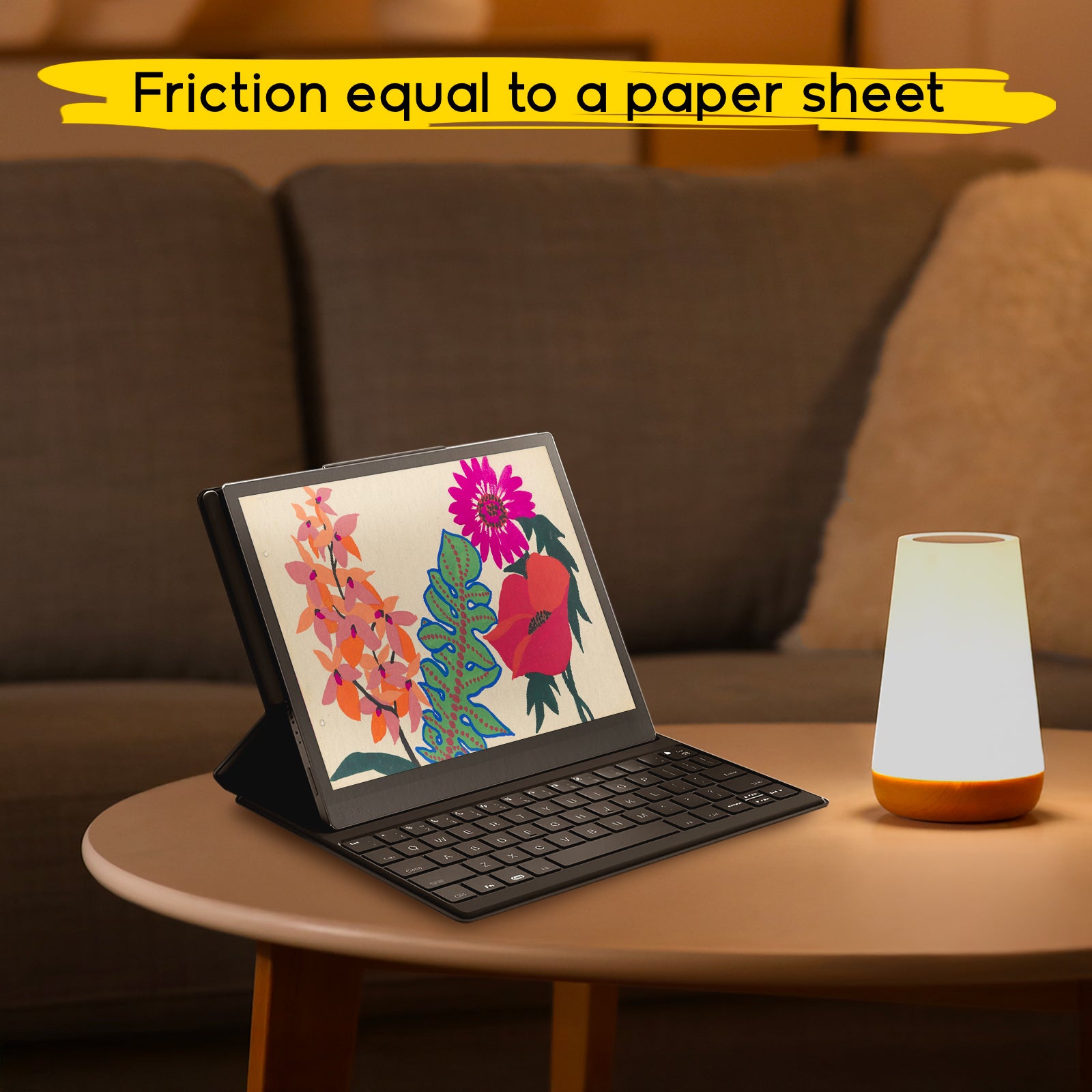
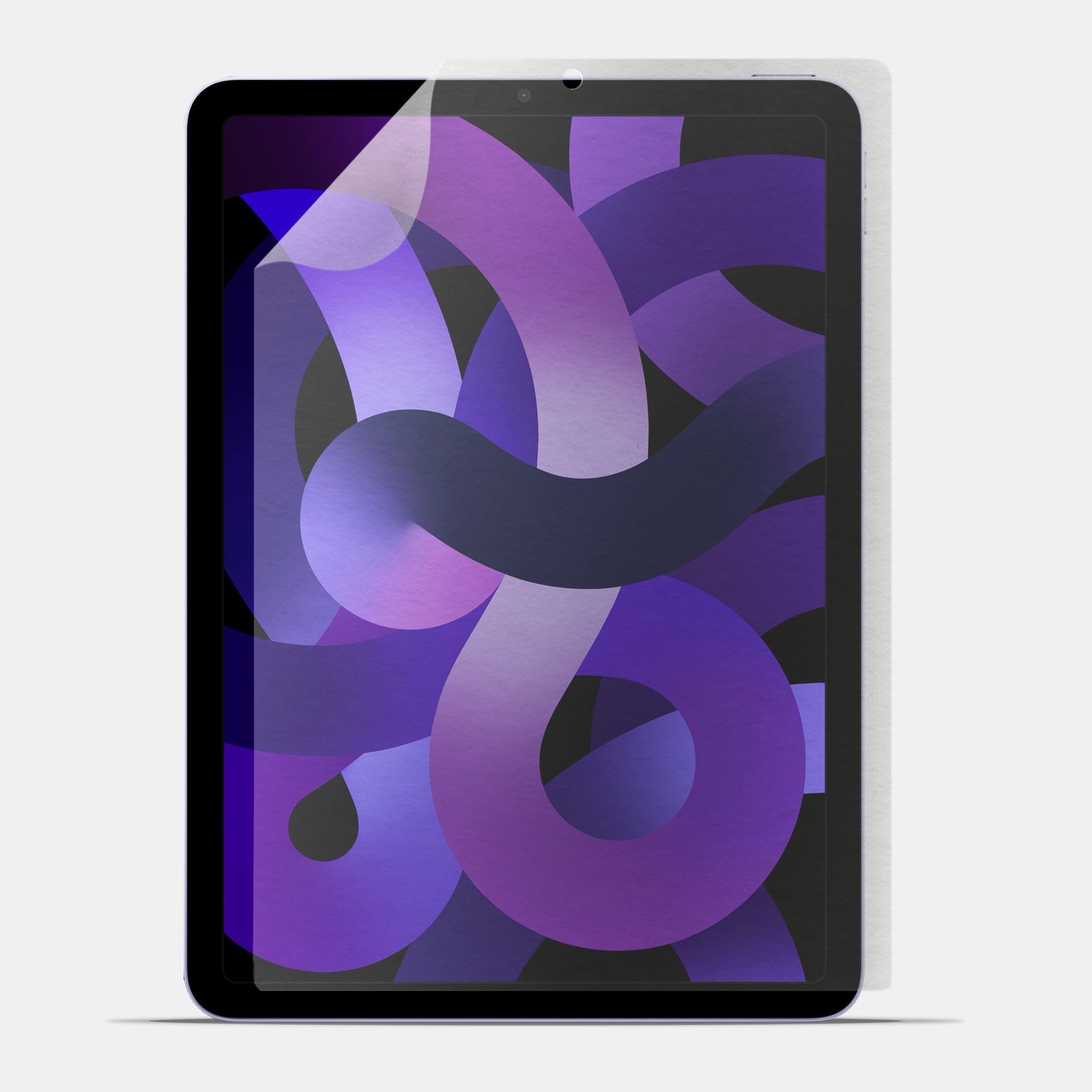
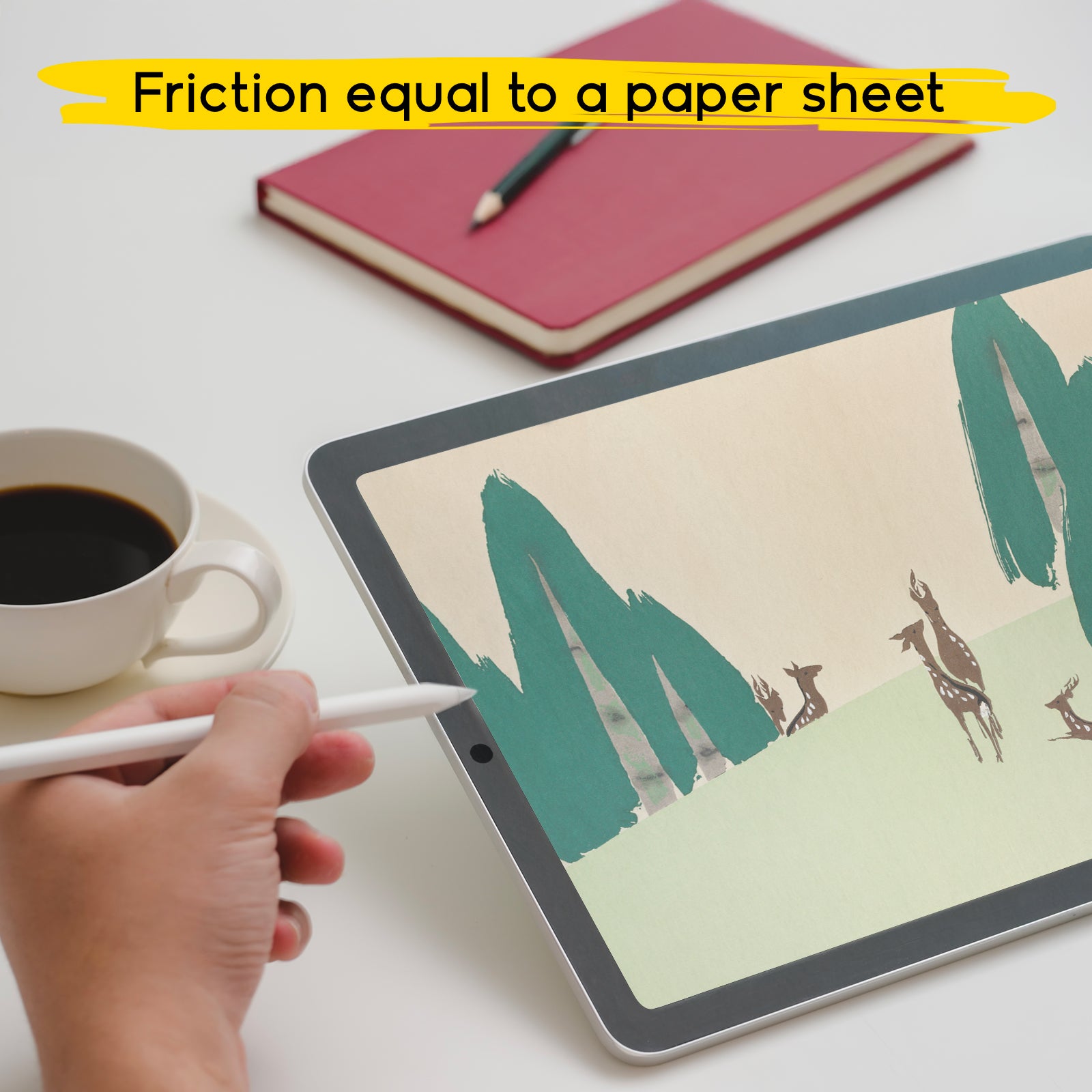
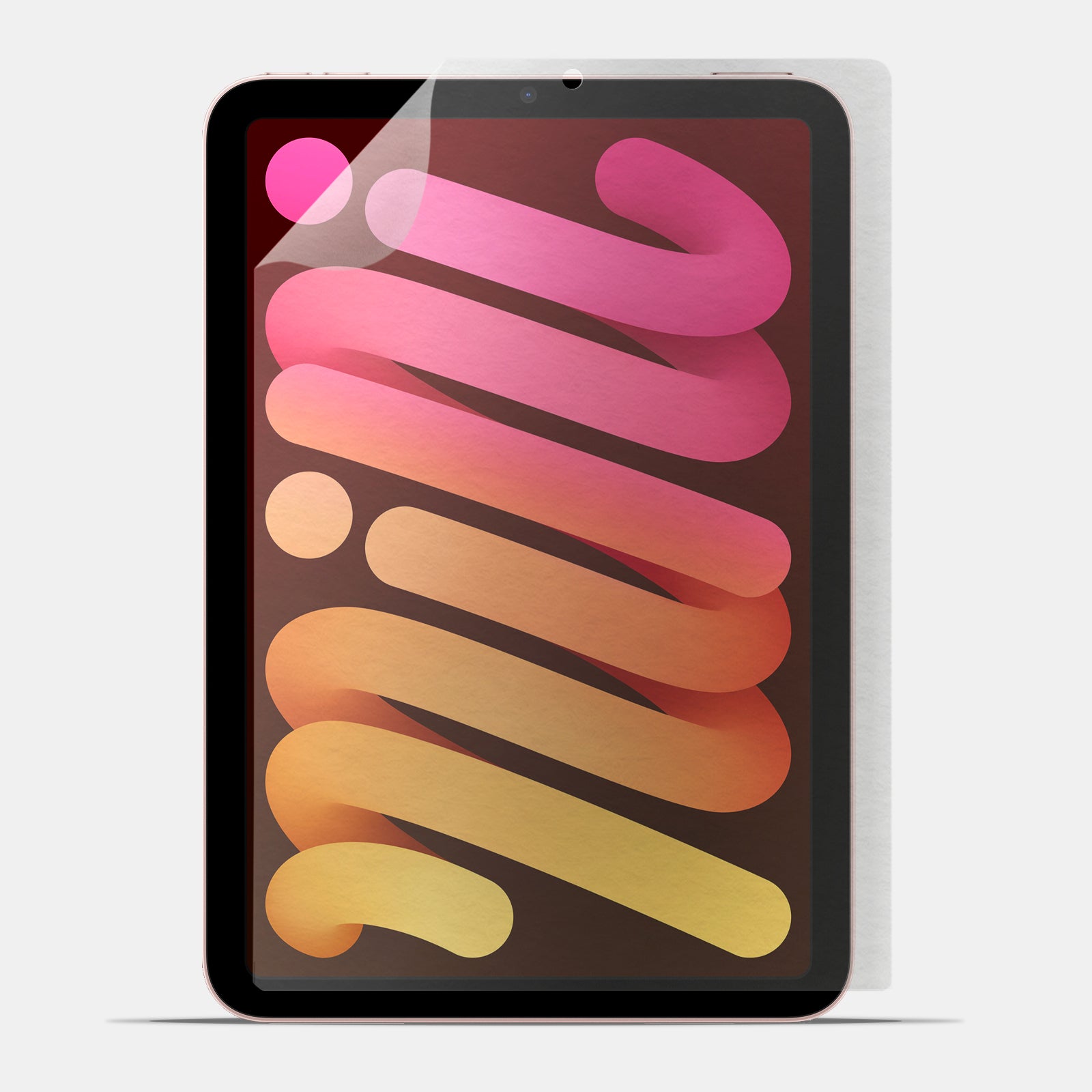
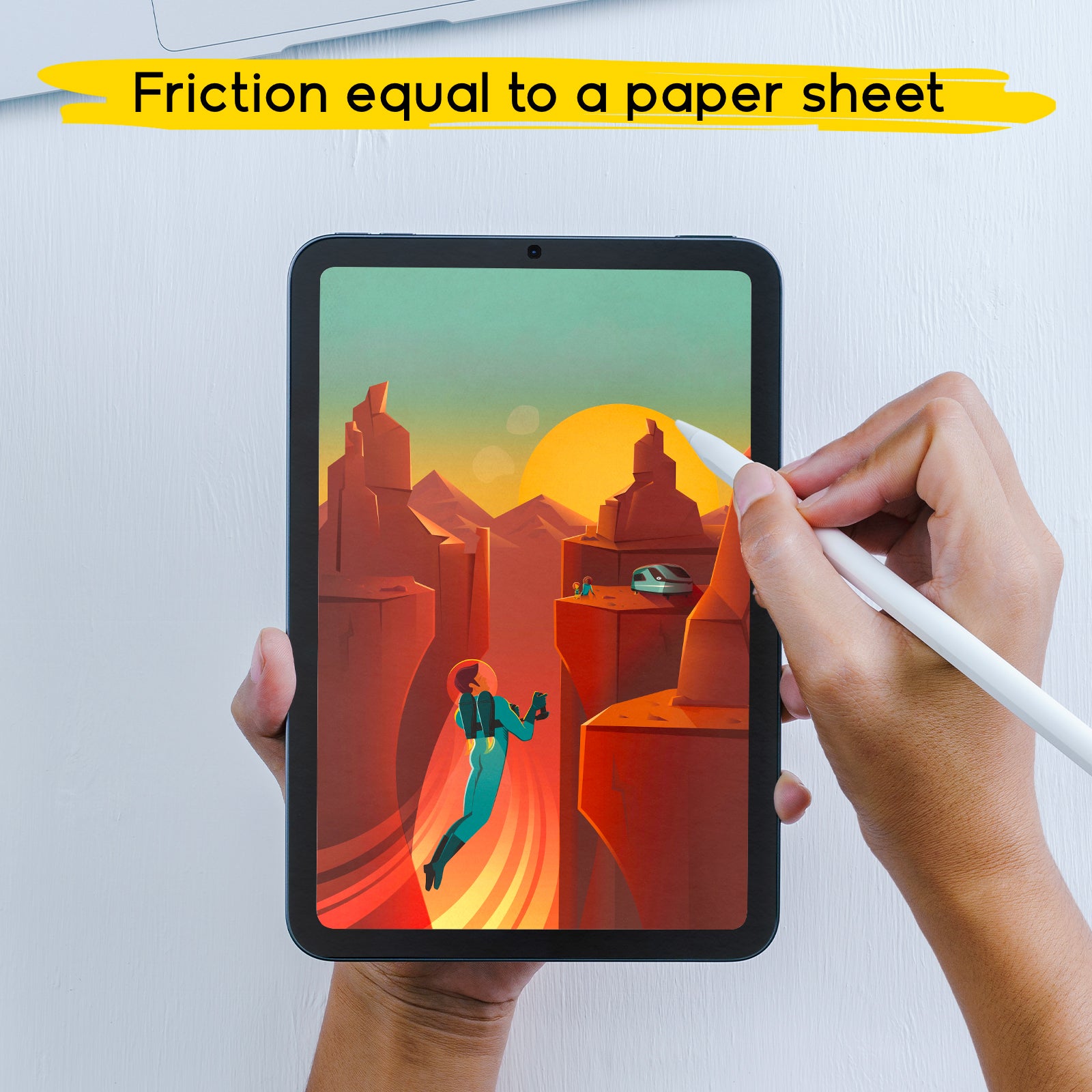
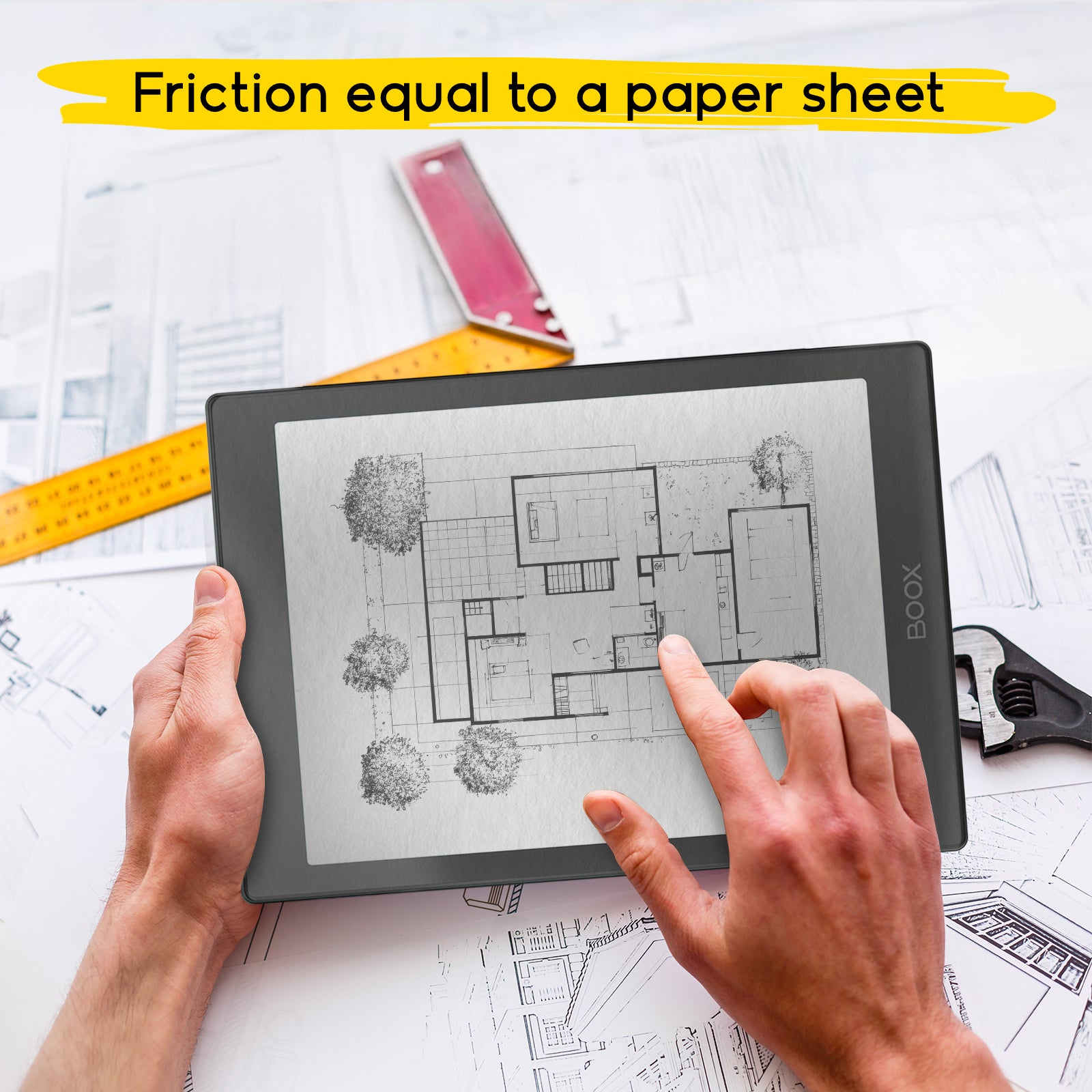
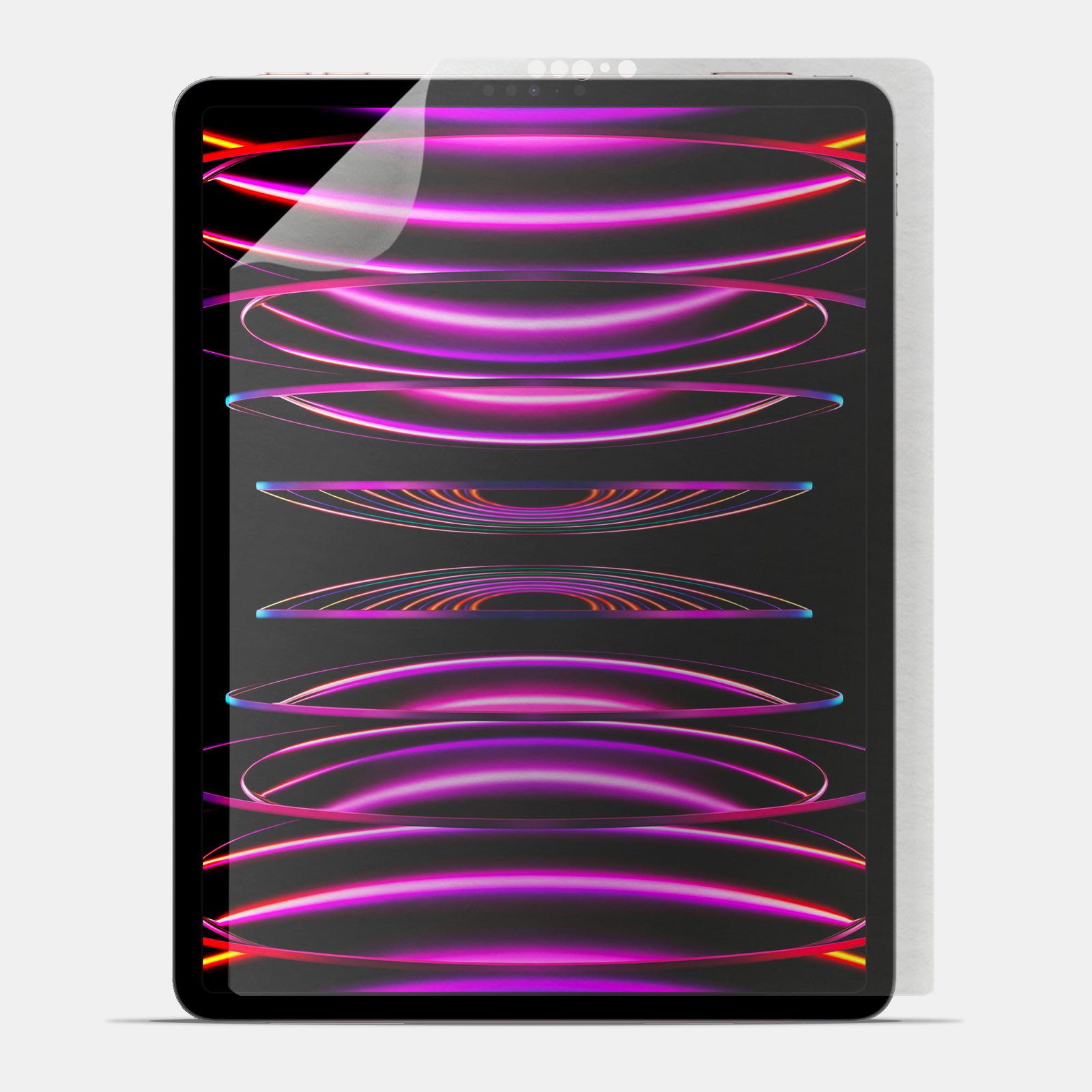
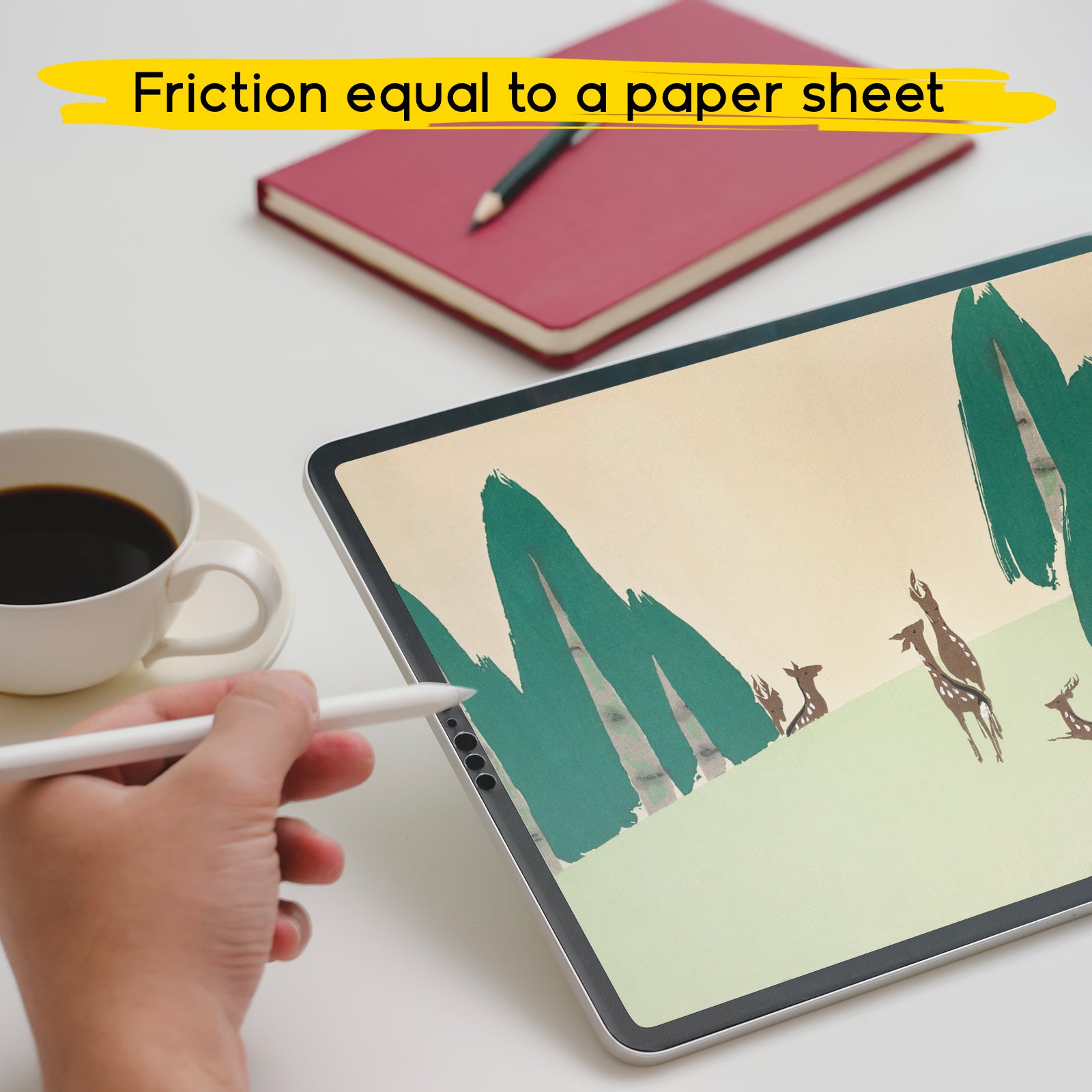
Choose one brush for linework and one for filling, and use only a few layers. This helps you avoid getting lost and, most importantly, allows you to focus on what matters most: training your hand on the screen. At this stage, the feel under the Apple Pencil tip matters a lot: if the screen feels too “slippery,” you may tense up and lose control. That’s where the doodroo paper-feel screen protector can make a difference, because it adds a more natural resistance and helps you create steadier lines as you get used to your stroke.
When your hand feels more confident, everything becomes easier: cleaner lines, fewer corrections, and more enjoyment while drawing. You don’t need to use every tool right away—just a few brushes, a couple of layers, and the right sense of control.

2. Get comfortable with gestures: the secret to drawing faster
One of the reasons Procreate is so loved by people who do digital illustration on iPad is how fluid it feels. But to achieve that “natural” feeling, you need to learn the gestures—those key movements that make your workflow fast and comfortable. If you’re wondering how to use Procreate more intuitively, here’s the answer: gestures change everything.
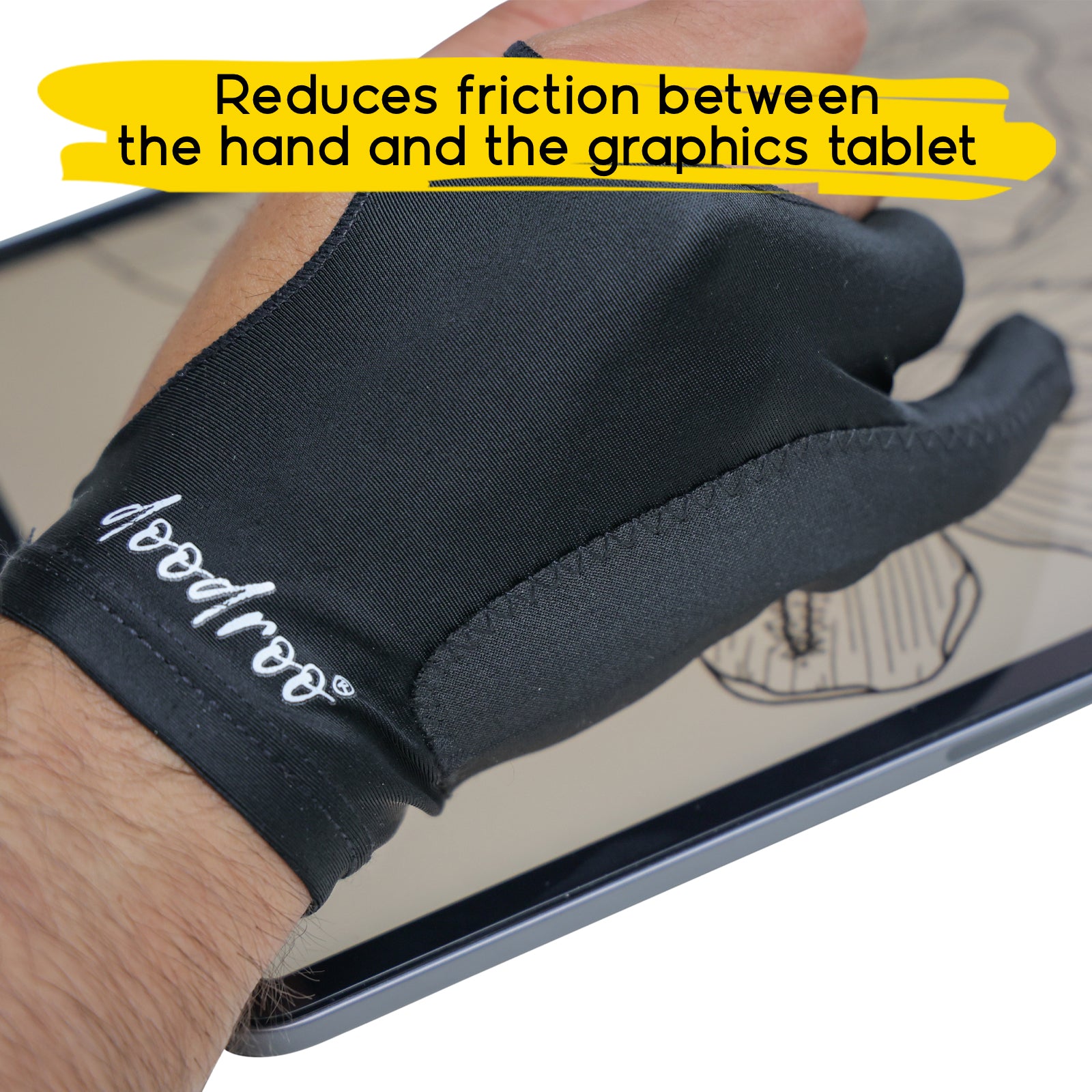
When you learn to undo a stroke, zoom in, rotate the canvas, and move around without searching for commands, drawing becomes much smoother. It’s as if the app disappears and it’s just you and your idea. At this stage, it also helps to take care of ergonomics: when you zoom, rotate, and make quick movements, your hand often slides on the glass and can create friction or accidental touches. An accessory like the doodroo drawing glove helps your hand glide more smoothly and keeps the experience cleaner and more controlled.
Plus, gestures help you correct without anxiety. And the faster you can correct, the freer you’ll feel to experiment. Learning the basic gestures is a key step for anyone who wants to learn Procreate for beginners the right way.

3. Play before chasing perfection: Procreate is made for experimenting
The biggest obstacle for beginners isn’t technical—it’s mental. Many beginners think every drawing has to turn out well, and when it doesn’t, they get discouraged. But Procreate isn’t a sheet of paper you can ruin: it’s a creative lab. If you’re starting with digital drawing, the most useful rule is this: play first, improve later.
Try different brushes, experiment with textures, and change colors even halfway through. Make drafts, do quick sketches, erase and redo. This is the most natural way to understand how the app works and, above all, to find your direction. The difference between people who improve and people who get stuck is simple: those who improve have the courage to make imperfect attempts.
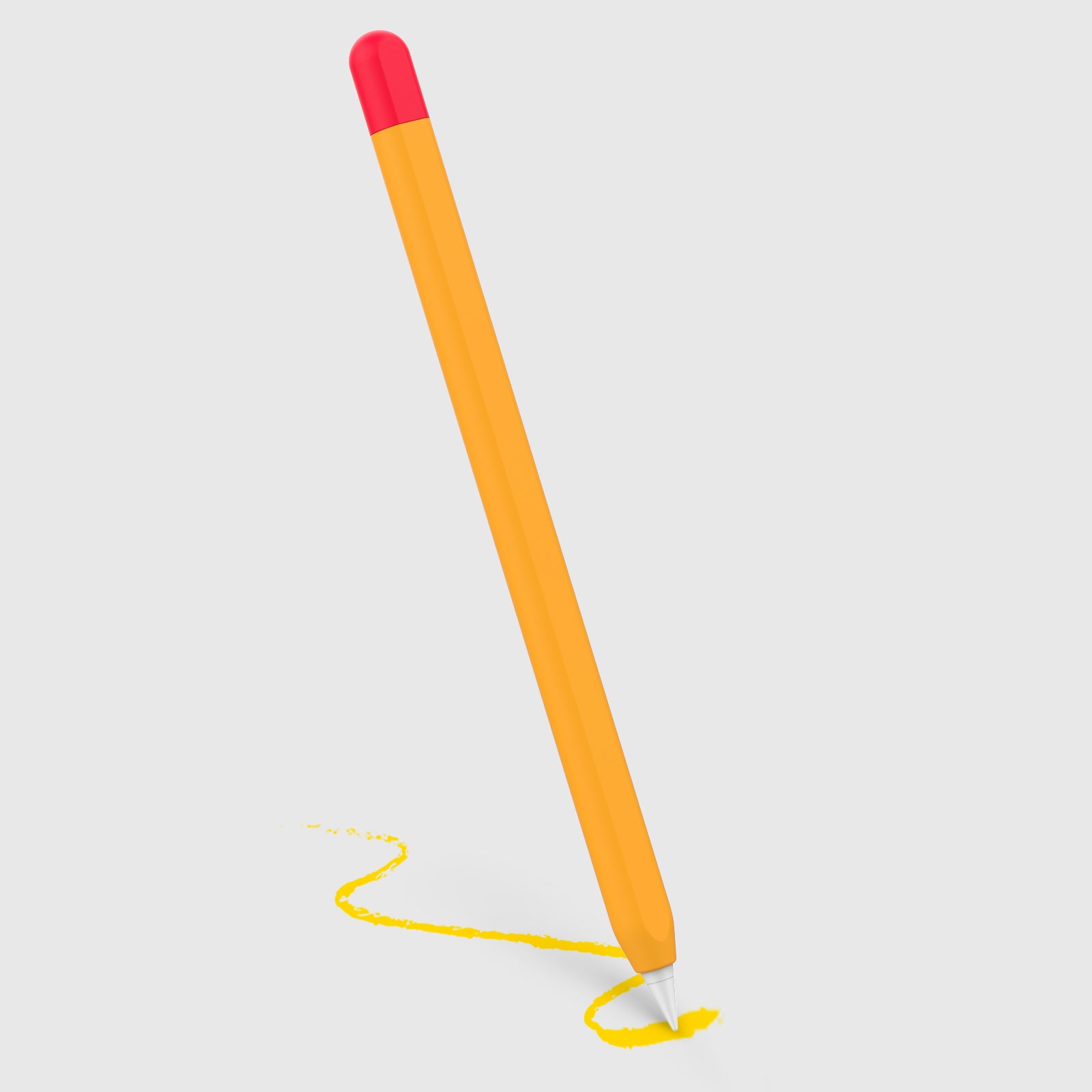
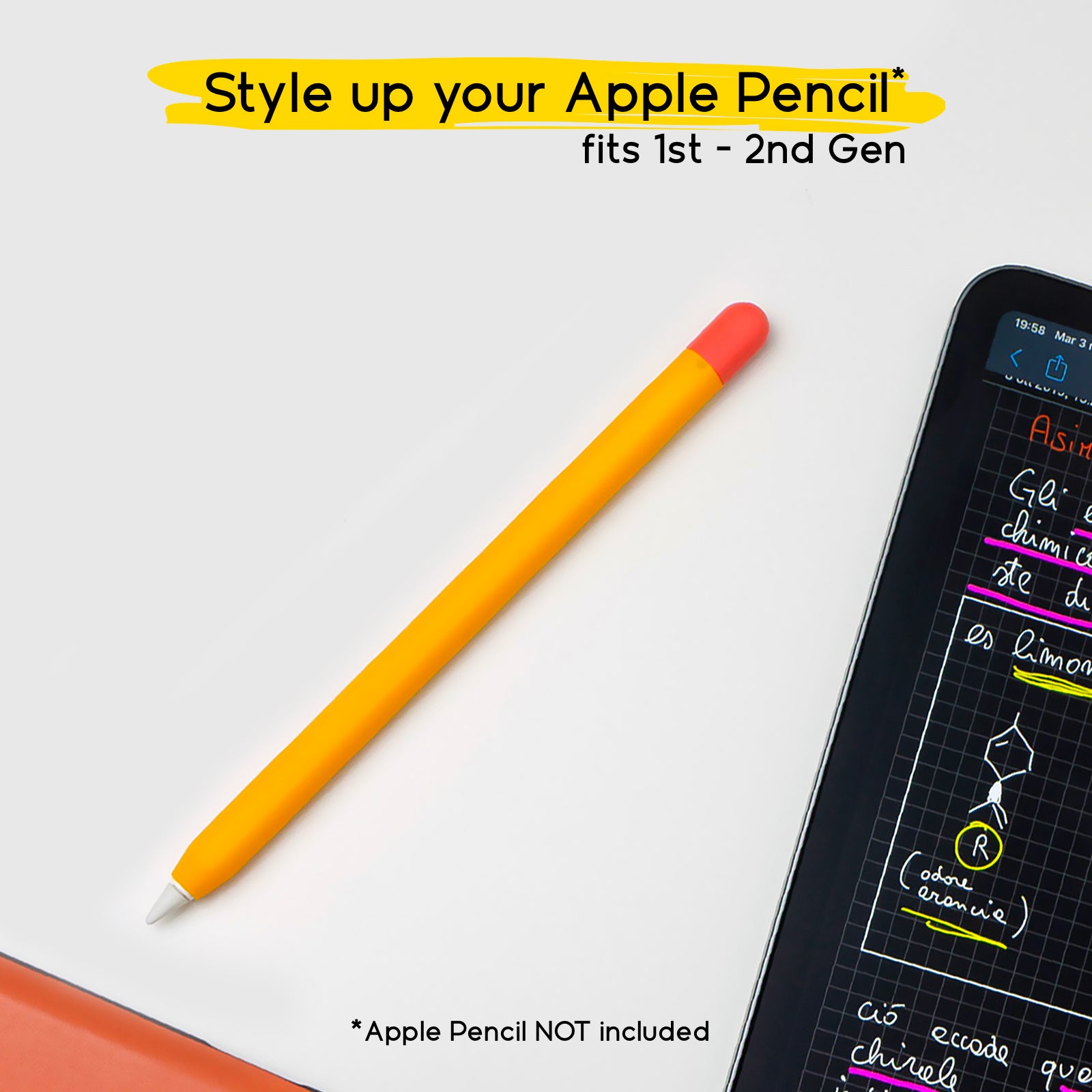
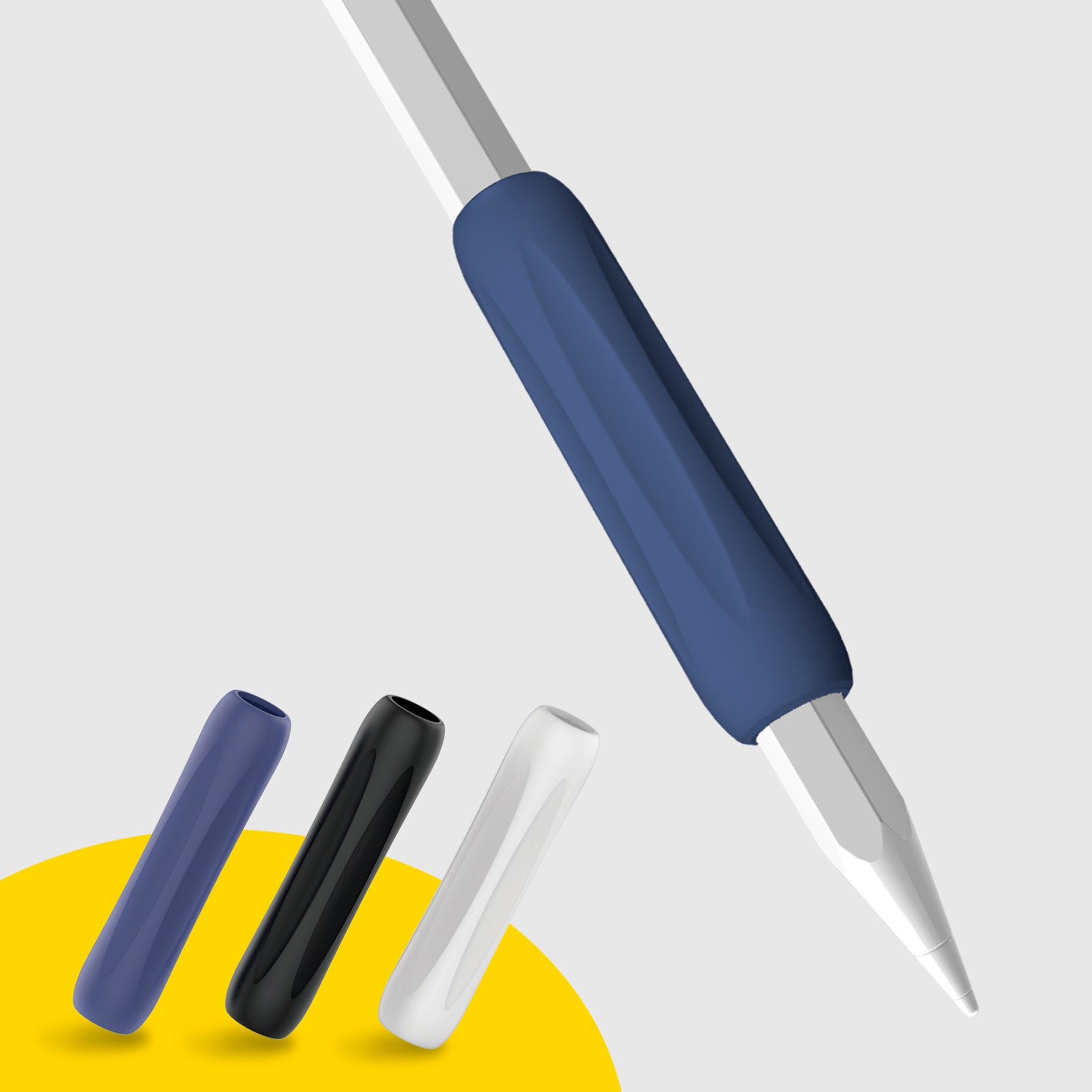
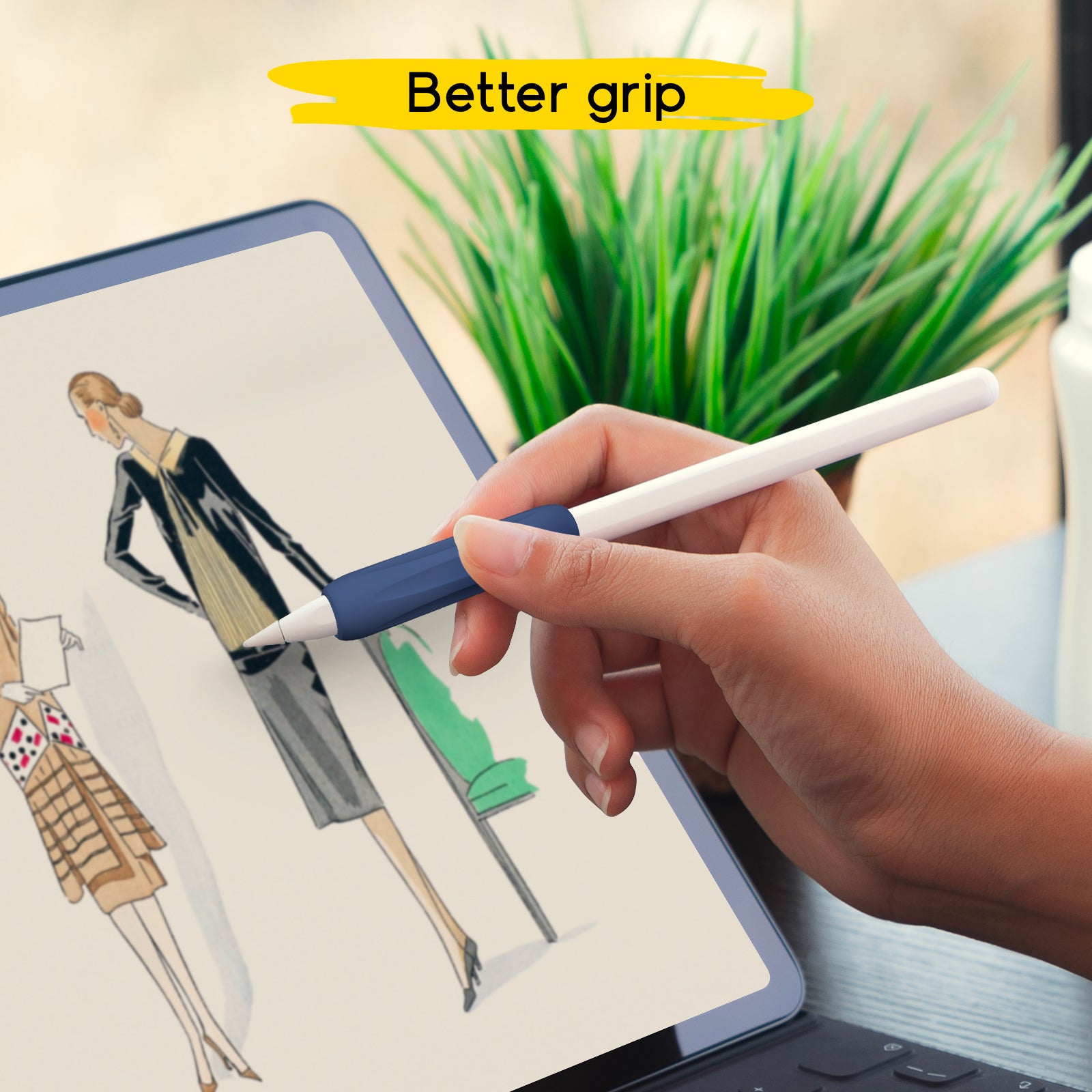
In this “play” phase, it’s normal to make lots of strokes and many trials, and consistency improves when you’re comfortable. The doodroo Apple Pencil skin, for example, can improve grip and make the Apple Pencil feel more stable between your fingers—especially during long sessions or when you’re doing repetitive exercises. Small details like this help you keep your rhythm and stay focused without your hand getting tired too quickly.
With Procreate you can try without stress: try, fail, erase, and try again. That’s how you grow.

4. Organize your layers: order = control (and less stress)
Layers are one of the most powerful features for people who do digital illustration, but also one of the parts that confuses beginners the most. It’s very easy to end up with lots of layers without knowing where your linework is, where the color is, or why a part of the drawing won’t change. That’s why learning to manage layers is essential if you want to use Procreate with more confidence.
A good method is to treat layers like “rooms” in your drawing: one room for linework, one for colors, one for shadows and highlights. When everything stays organized, you always have control and you can make changes without ruining what you’ve already done. This lets you improve your drawing without fear, and it’s extremely useful even when you’re working on a small project.
And when a file is organized, you work more smoothly and feel more relaxed. In those moments, your drawing surface matters: if you have a more natural feel under the tip, you can refine details without tensing up. The doodroo paper-feel screen protector can help exactly with that, because it offers more control in strokes and finishing touches, making it easier to manage lines, shadows, and tiny details while you adjust your layers.
Naming your layers and keeping them organized saves time and makes Procreate more enjoyable to use—especially when you’re just starting out.

5. Take mindful breaks: creativity needs breathing room
Drawing on iPad is engaging, and you often lose track of time—especially when you’re learning something new. But working on a screen can tire your eyes and your body, and when you’re tired you notice it right away: lines get worse, ideas feel less clear, and frustration builds. That’s where breaks come in.
Regular breaks don’t just help you rest—they help you improve. When you step away for a moment, you come back with fresher eyes and often spot things you missed. It’s one of the simplest ways to improve faster in digital drawing on Procreate, because it helps you maintain quality and focus.
And during longer sessions, hand comfort becomes part of the result. The doodroo drawing glove helps your hand glide more lightly over the screen and prevents accidental touches, so you can stay focused and less tense. When your body is more relaxed, it also becomes easier to recognize when it’s time to stop and take a truly useful break.
Taking mindful breaks is a habit that’s good for your eyes, your posture, and—above all—your creativity.

If you truly want to improve with Procreate for beginners, remember that there’s no need to rush. Procreate is an amazing tool to learn digital drawing, but it works best when you treat it as a journey. Start with a few tools, learn the gestures, experiment without anxiety, keep your layers organized, and take smart breaks.
If you want the experience to feel more natural and controlled along the way, the right accessories can support you: the doodroo paper-feel screen protector can help you feel more confident in your stroke, the Apple Pencil skin improves grip and comfort, and the drawing glove makes your hand glide more smoothly during long sessions. When you feel more at ease, learning becomes faster, more fun, and much more consistent.
The result is that you’ll feel more confident, more fluid, and more creative day after day. And most importantly, you’ll genuinely enjoy the process—and that’s what makes growth sustainable.